Introduction
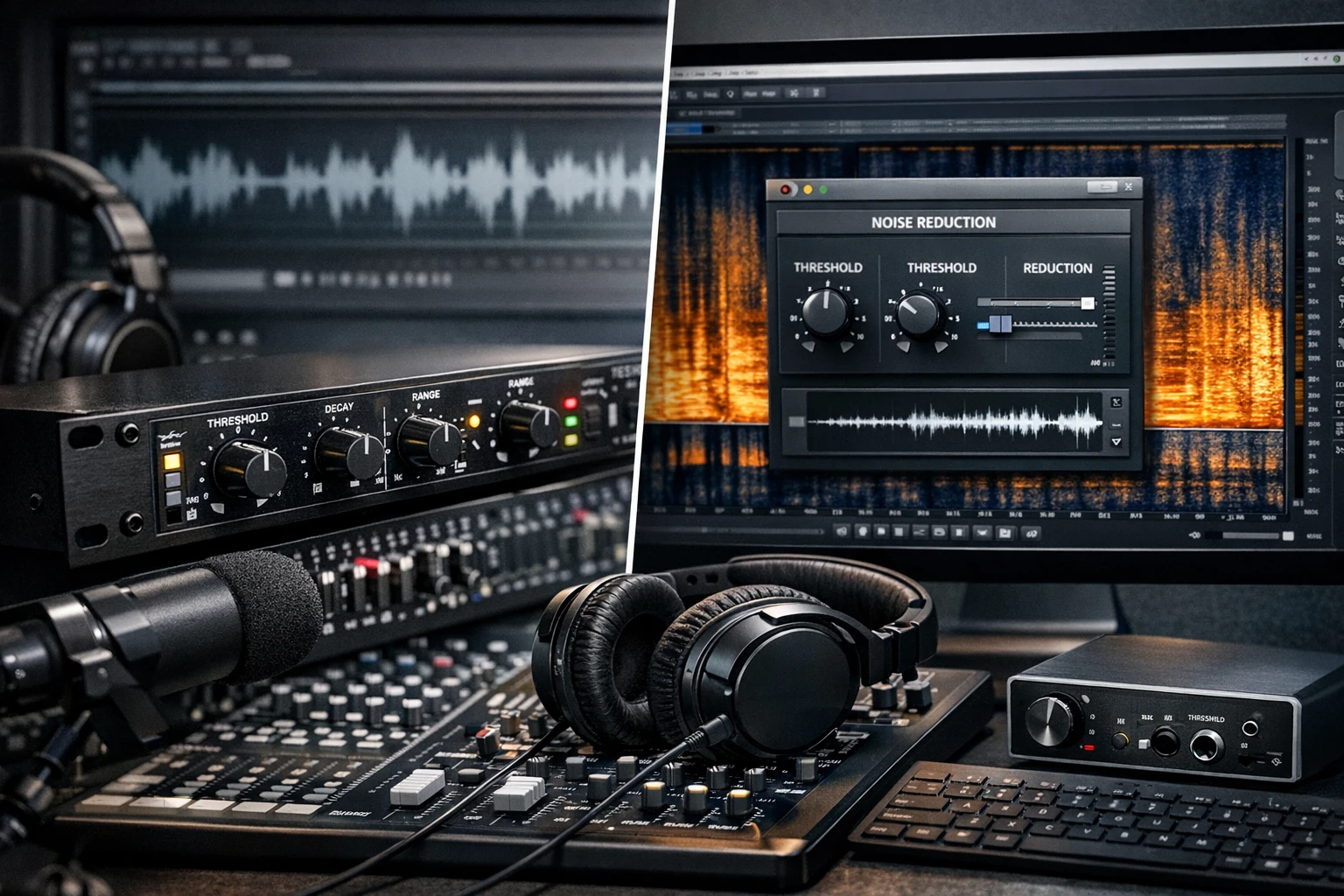
This guide explains the fundamental differences between hardware noise gates and software noise reduction plugins, and it shows how podcasters can combine both approaches to achieve consistently clean audio. Readers will learn the technical basis of each solution, see real‑world product examples, and receive a step‑by‑step selection framework that supports both beginners and seasoned creators.
The article also highlights three affordable yet highly rated products that exemplify the concepts discussed. By the end of the guide, one will be able to decide when to invest in a pedal, when to rely on a plugin, and how to integrate them into a streamlined editing workflow.
Background and Context
In any recording environment, unwanted background hiss, electrical hum, or microphone bleed can distract listeners and reduce perceived professionalism. Historically, engineers relied on hardware devices placed in the signal chain to suppress these artifacts before the audio reached the recorder. Modern digital audio workstations (DAWs) now provide sophisticated algorithms that perform similar tasks after the signal has been captured.
Both methods share the same goal—preserving the intended musical or spoken content while attenuating noise—but they differ in how they interact with the signal, the amount of control they offer, and the latency they introduce. Understanding these distinctions is essential for podcasters who must balance sound quality, workflow efficiency, and budget constraints.
Hardware Noise Gates: Principles and Benefits
A hardware noise gate is a pedal or rack unit that monitors the incoming signal level and automatically mutes the output when the level falls below a user‑defined threshold. The gate opens (allows signal to pass) only when the input exceeds this threshold, effectively silencing quiet passages that would otherwise contain hiss or hum.
Key parameters include threshold, attack time, release time, and ratio. A fast attack prevents unwanted transients from slipping through, while an appropriate release ensures natural decay of speech or instrument tails. Because the processing occurs before analog‑to‑digital conversion, the gate can reduce the load on later digital plugins, preserving CPU resources.
Two popular hardware options illustrate these concepts:
- Rowin Noise Killer Guitar Pedal – A compact, zinc‑alloy pedal offering hard and soft modes, a true bypass circuit, and a -70 to +10 dB reduction range. Priced at $31.99 with a 4.2‑star rating from 3,849 reviews, it is praised for its durability and transparent tone.
- AFOT Noise Gate Pedal – This unit provides hard/soft modes, fast noise detection, and a smooth attack/release envelope. At $25.99 and a 4.2‑star rating from 270 reviews, it is noted for its value and ease of integration.
Both pedals require a 9 V DC power supply (not included) and feature true bypass, ensuring that the original signal remains untouched when the gate is disengaged.
Software Noise Reduction Plugins: Principles and Benefits
Software plugins operate on the digital audio after it has been recorded. They typically employ spectral analysis to identify and attenuate noise frequencies while preserving the desired signal. Popular algorithms include adaptive filtering, multiband gating, and machine‑learning‑based noise profiling.
Advantages of plugins include visual feedback, precise control over frequency bands, and the ability to apply noise reduction selectively to individual tracks. However, they consume CPU cycles and may introduce latency, which can be problematic for real‑time monitoring.
For podcasters who edit in post‑production, plugins such as iZotope RX, Waves X‑Noise, or free alternatives like Audacity’s Noise Reduction are common choices. They allow fine‑tuning of reduction depth and can be automated across a timeline, offering flexibility that hardware cannot match.
When to Use Hardware, When to Use Software
Choosing between a hardware gate and a software plugin depends on the recording scenario. If a podcaster records in a noisy environment—such as a home office with HVAC noise—a hardware gate placed before the audio interface can prevent the noise from ever being digitized. This approach is especially valuable for live streaming, where latency must remain minimal.
Conversely, if the recording environment is relatively quiet but occasional background sounds appear (e.g., distant traffic or a passing dog), a software plugin applied during editing can target those specific sections without affecting the entire track.
In many professional setups, both solutions coexist. A hardware gate cleans the signal at the source, while a plugin performs final polishing during post‑production. This layered strategy maximizes clarity while keeping CPU usage manageable.
Comparison and Selection Guide
The table below summarizes the main criteria for selecting a noise‑control solution. Use it to match your workflow, budget, and technical comfort level.
| Criterion | Hardware Noise Gate | Software Noise Reduction Plugin |
|---|---|---|
| Cost (entry level) | $25‑$35 (e.g., Rowin, AFOT) | Free‑to‑$300 (depending on brand) |
| Latency | Near‑zero (analog) | Potentially noticeable, depends on CPU |
| Portability | Pedalboard or rack‑mountable | Requires a laptop or desktop |
| Control granularity | Threshold, attack, release, mode | Spectral shaping, multiband, dynamic profiling |
| Learning curve | Simple knobs, visual LED | Requires UI navigation and parameter tweaking |
| Integration with DAW | Pre‑ADC, no software needed | Plugin inserts, automation possible |
For podcasters who already own a USB audio interface, adding a hardware gate may involve only a short cable run. The M‑AUDIO M‑Track Solo provides a reliable 48 kHz USB interface with phantom power, making it an ideal hub for connecting a noise gate pedal and a microphone simultaneously.
Best Practices & Tips
- Set the threshold carefully. Start with a low threshold and gradually increase until the gate closes during silence without cutting off the natural tail of speech.
- Use soft mode for spoken word. Soft mode applies a gentler reduction, preserving the warmth of a voice while still eliminating hiss.
- Combine with proper mic technique. Position the microphone close to the speaker and use a cardioid pattern to reduce room ambience before the gate acts.
- Apply a high‑pass filter. Removing sub‑20 Hz rumble at the interface level reduces the workload on both hardware and software gates.
- Automate plugin reduction. In DAW, draw automation curves for noisy sections rather than applying a global reduction, which can cause artifacts.
- Test polarity of power supplies. Both the Rowin and AFOT pedals require a 9 V DC supply with negative center; incorrect polarity can damage the unit.
- Monitor with zero‑latency headphones. The M‑Track Solo’s direct monitoring switch lets you hear the raw signal before any software processing, ensuring the gate is set correctly.
Frequently Asked Questions
- What is the difference between a gate’s “hard” and “soft” mode?
- Hard mode cuts the signal abruptly once the threshold is crossed, which is ideal for high‑gain guitar rigs. Soft mode applies a gradual reduction, preserving the natural decay of speech and acoustic instruments.
- Can I use a noise gate with a condenser microphone?
- Yes. Connect the mic to the interface’s XLR input, then route the signal through the gate before it reaches the DAW. The gate will attenuate low‑level hiss without affecting the mic’s high‑frequency detail.
- Do software plugins work on live streams?
- Only if the streaming software supports real‑time plugin hosting, which is uncommon. In most cases, a hardware gate is the reliable solution for live broadcast.
- How many dB of reduction can I expect?
- Both the Rowin and AFOT pedals advertise a reduction range of –70 dB to +10 dB, providing ample headroom for aggressive noise suppression.
- Is a USB‑powered interface sufficient for a noise gate?
- The M‑Track Solo supplies phantom power for microphones but does not provide the 9 V DC required by the pedals. A dedicated 9 V adapter is still needed.
- Will a noise gate affect the tonal character of my voice?
- If set correctly, a gate only mutes silence; it does not alter the frequency content of audible speech, preserving tonal integrity.
Conclusion
Hardware noise gates and software noise‑reduction plugins each address the same problem from different angles. Pedals such as the Rowin Noise Killer and AFOT Noise Gate provide real‑time, zero‑latency control that is indispensable for live recording and streaming. Software plugins excel in post‑production, offering surgical precision and visual feedback.
By understanding the strengths of each tool, podcasters can build a layered workflow: capture clean audio with a hardware gate, fine‑tune the result with a plugin, and monitor through a reliable interface like the M‑Audio M‑Track Solo. This approach maximizes audio quality while keeping the production process efficient and cost‑effective.
Products Featured in This Guide
Rowin Noise Killer Guitar Pedal
Price: $31.99 | Rating: 4.2/5 (3,849 reviews)
Featured for its compact size, dual hard/soft modes, and true bypass design, making it an ideal pre‑ADC gate for podcasters who need on‑the‑fly noise control.
AFOT Noise Gate Pedal
Price: $25.99 | Rating: 4.2/5 (270 reviews)
Featured for its fast detection, smooth attack/release, and budget‑friendly price, providing reliable gating for both guitar and bass signals in podcast setups.
M-AUDIO M-Track Solo
Price: $49.00 | Rating: 4.3/5 (7,176 reviews)
Featured as a versatile, USB‑powered audio interface that supplies phantom power, direct monitoring, and a high‑quality preamp, allowing seamless integration of noise gates and microphones for podcast recording.
Frequently Asked Questions
What is the main difference between a hardware noise gate and a software noise reduction plugin?
A hardware noise gate attenuates sound in real time before recording, while a software plugin processes the captured audio after the fact using digital algorithms.
When should a podcaster choose a hardware noise gate over a plugin?
Use a hardware gate when you need immediate noise suppression during recording, especially in live or noisy environments.
Can I use both a noise gate and a reduction plugin together for better results?
Yes, combining a gate to cut obvious background noise and a plugin to polish remaining hiss yields the cleanest podcast audio.
What are three affordable, highly rated products for noise control mentioned in the guide?
The guide highlights the Behringer Xenyx 802 mixer with built‑in gate, the DBX 266XS compressor/gate, and the iZotope RX 8 plugin suite.
How can I integrate noise reduction tools into my editing workflow efficiently?
Apply a hardware gate during recording, then run the recorded track through a plugin’s spectral denoise and fine‑tune thresholds in your DAW before final export.